
Users and access
The SPACE Users and access module helps you understand and troubleshoot IBM Planning Analytics user security. Select a TM1 user to see their security context and investigate why they can or cannot access particular cubes, dimensions, elements, or data.
This is useful when effective access is difficult to determine from security configuration alone—for example, when a user belongs to multiple groups or can open a cube but cannot see or update particular data.
Users and access analyzes security in connected Planning Analytics environments. SPACE invitations, roles, and tokens are managed separately under Configuration → Access.
Select a user
Select the TM1 user you want to investigate and load their security context.
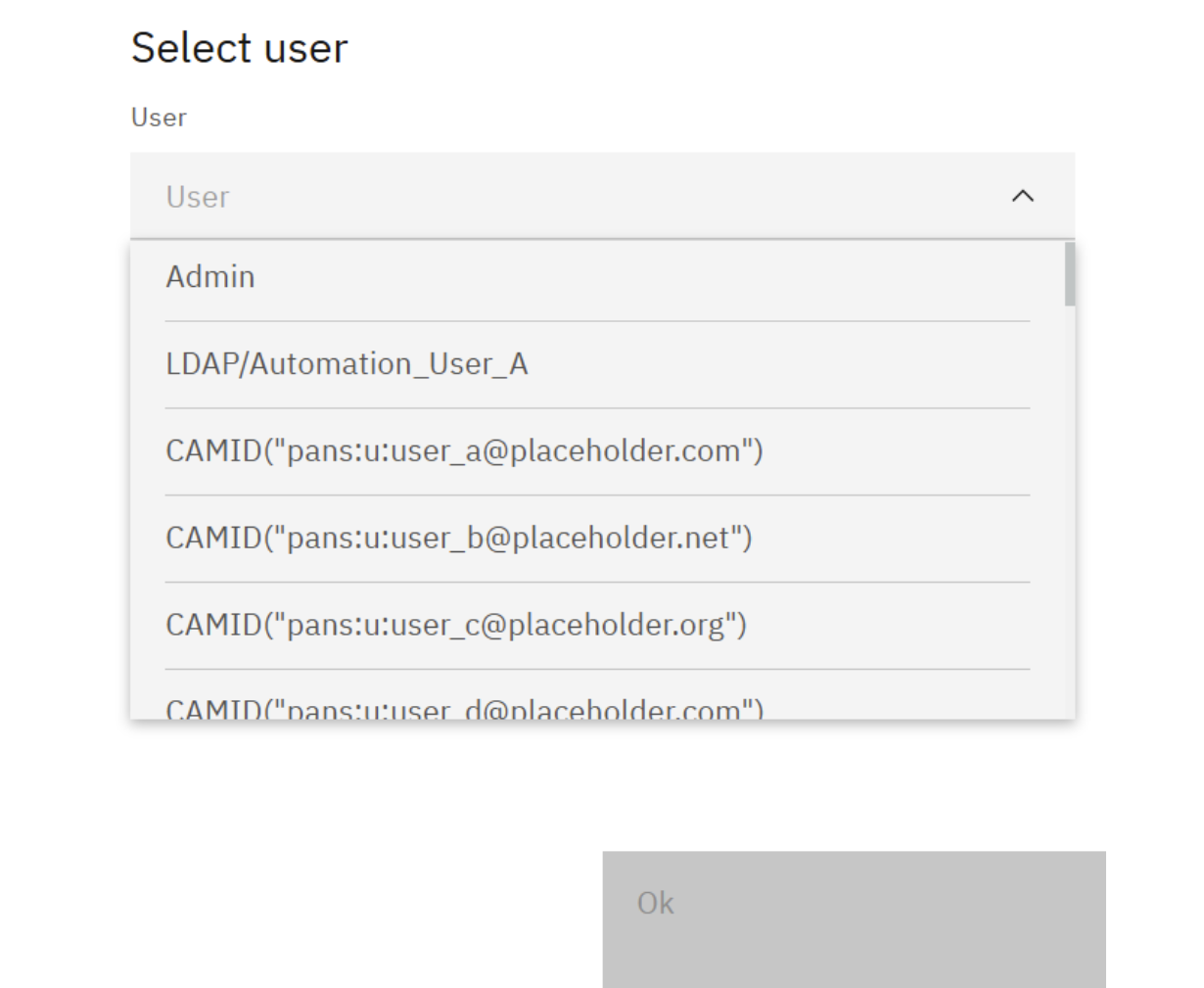
SPACE then brings together the user's relevant security information so you can investigate their effective access from one place.
Security groups and flags
The user summary shows information including:
- security flags such as Admin, Enabled, and ReadOnlyUser;
- the TM1 security groups to which the user belongs.
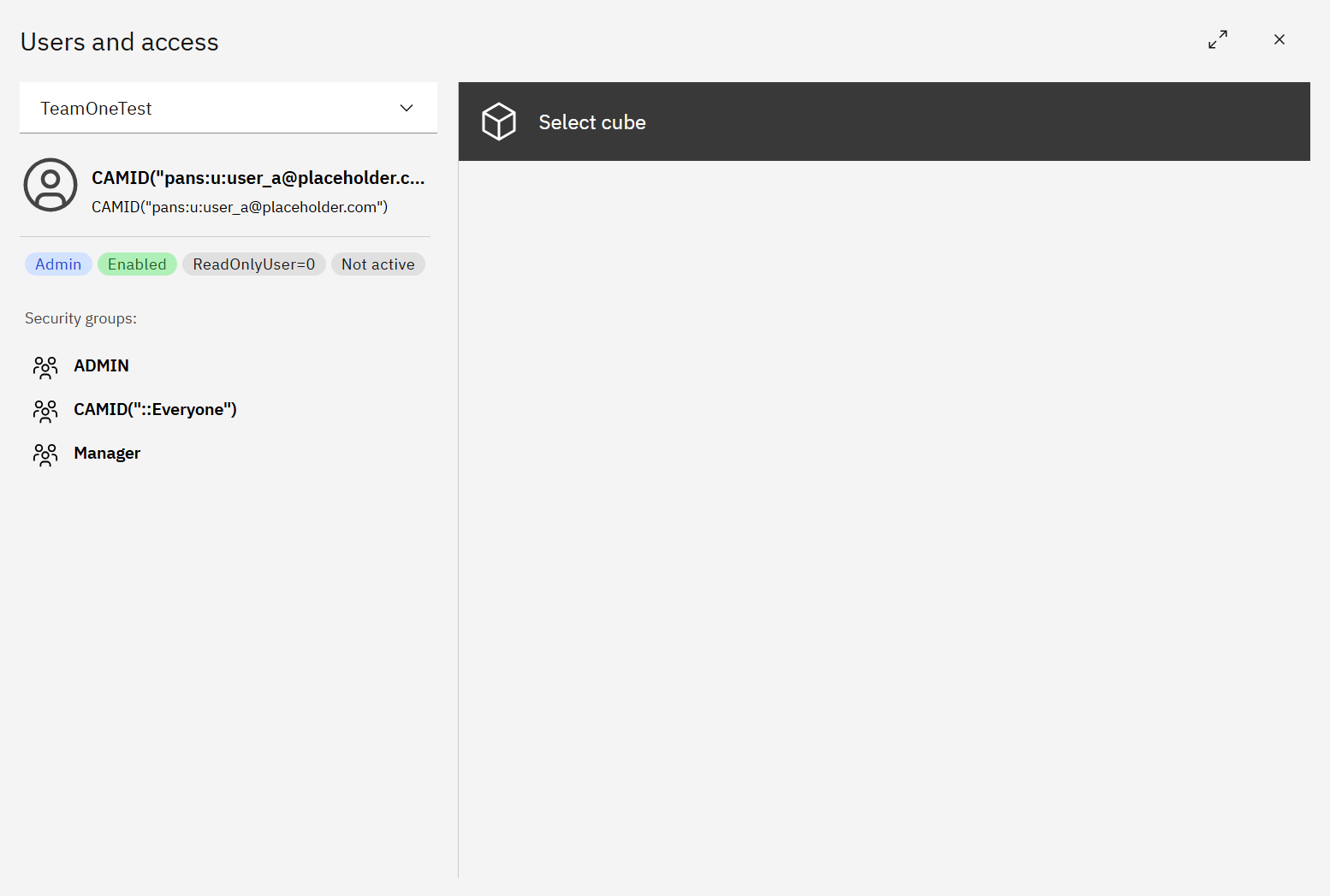
This provides the starting point for understanding which groups and security settings may be contributing to the user's access.
Cube access
Select a cube to investigate the user's access to it.
SPACE shows which security groups grant access and the applicable access level, such as Read, Write, or Admin.
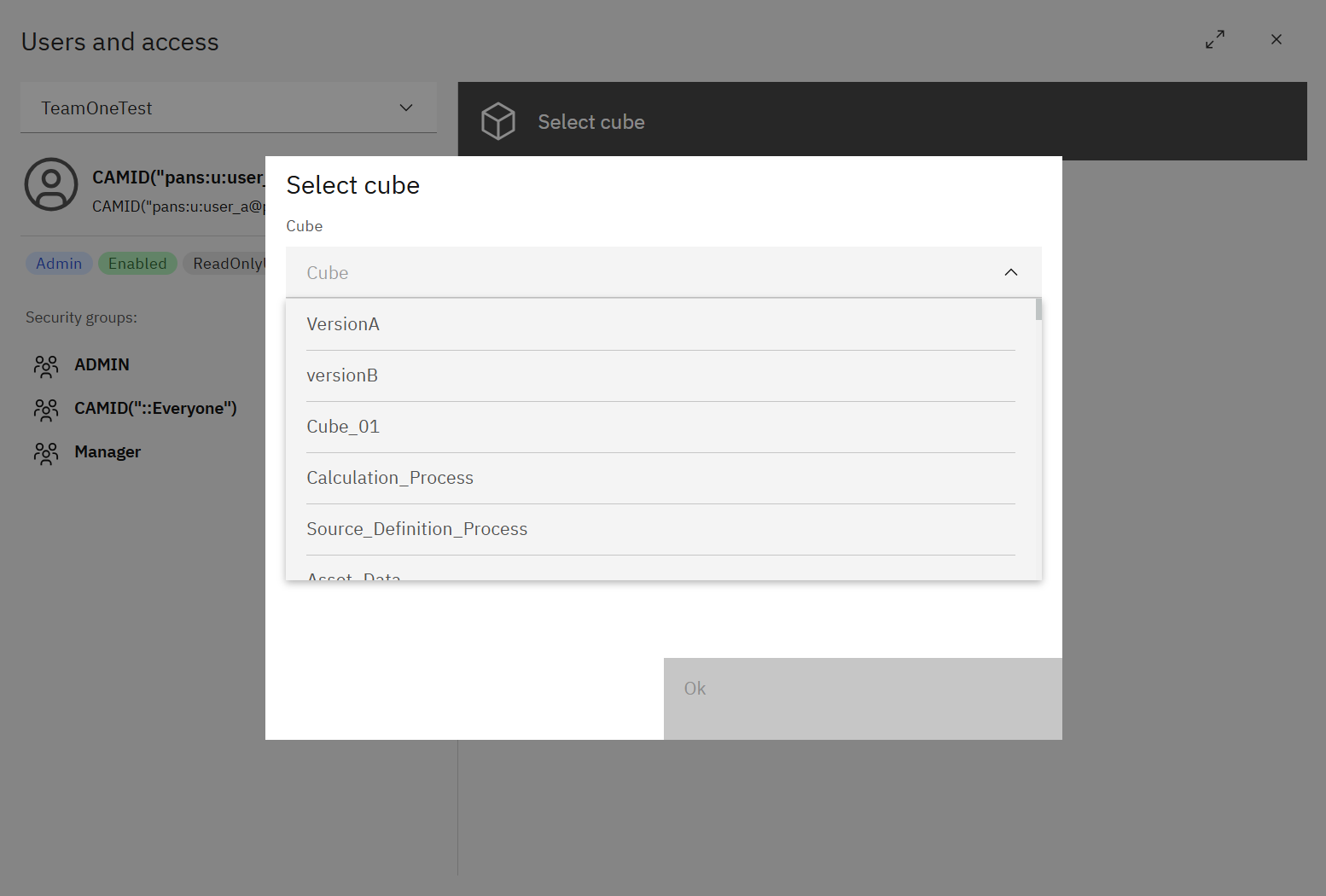
From the cube, you can drill down into dimensions and elements to investigate more granular permissions and understand why a user can or cannot see particular data.
When available, use Cell data access at the bottom of the panel to investigate access at the cell level.
Together, these views help trace effective TM1 security from the user and their groups down to the model objects and data they are trying to access.