
Logs
The SPACE Logs module brings three important IBM Planning Analytics log types into one place: server logs, transaction logs, and audit logs.
Use them to investigate TM1 server activity and errors, trace changes to data, review security and configuration events, and answer operational questions without manually working through separate log files.
All three log types support filtering, saved searches, and export, making it easier to repeat investigations or share the relevant results.
For SPACE application activity and job events, see Journal.
Server log
Use the Server log to investigate TM1 server activity, messages, errors, and user logins.
Filter by fields such as Level, Logger, and Message to narrow the log to the events relevant to an issue.
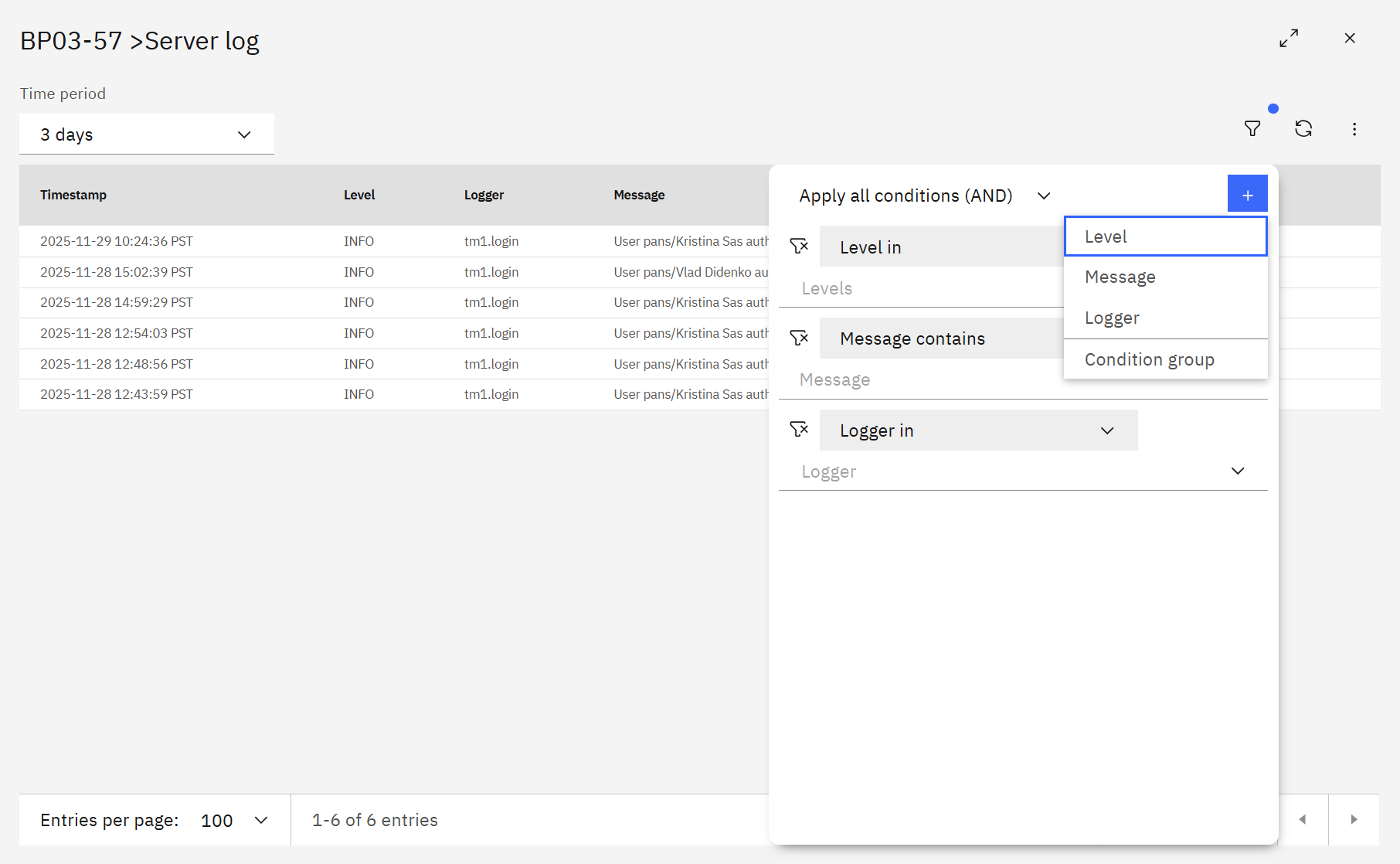
For example, you can focus on a particular error message, logger, user activity, or time period instead of reviewing the complete server log.
Transaction log
Use the Transaction log to trace changes to TM1 data.
Filter by cube, user, tuple elements, and date to investigate where data changed and help troubleshoot unexpected updates.
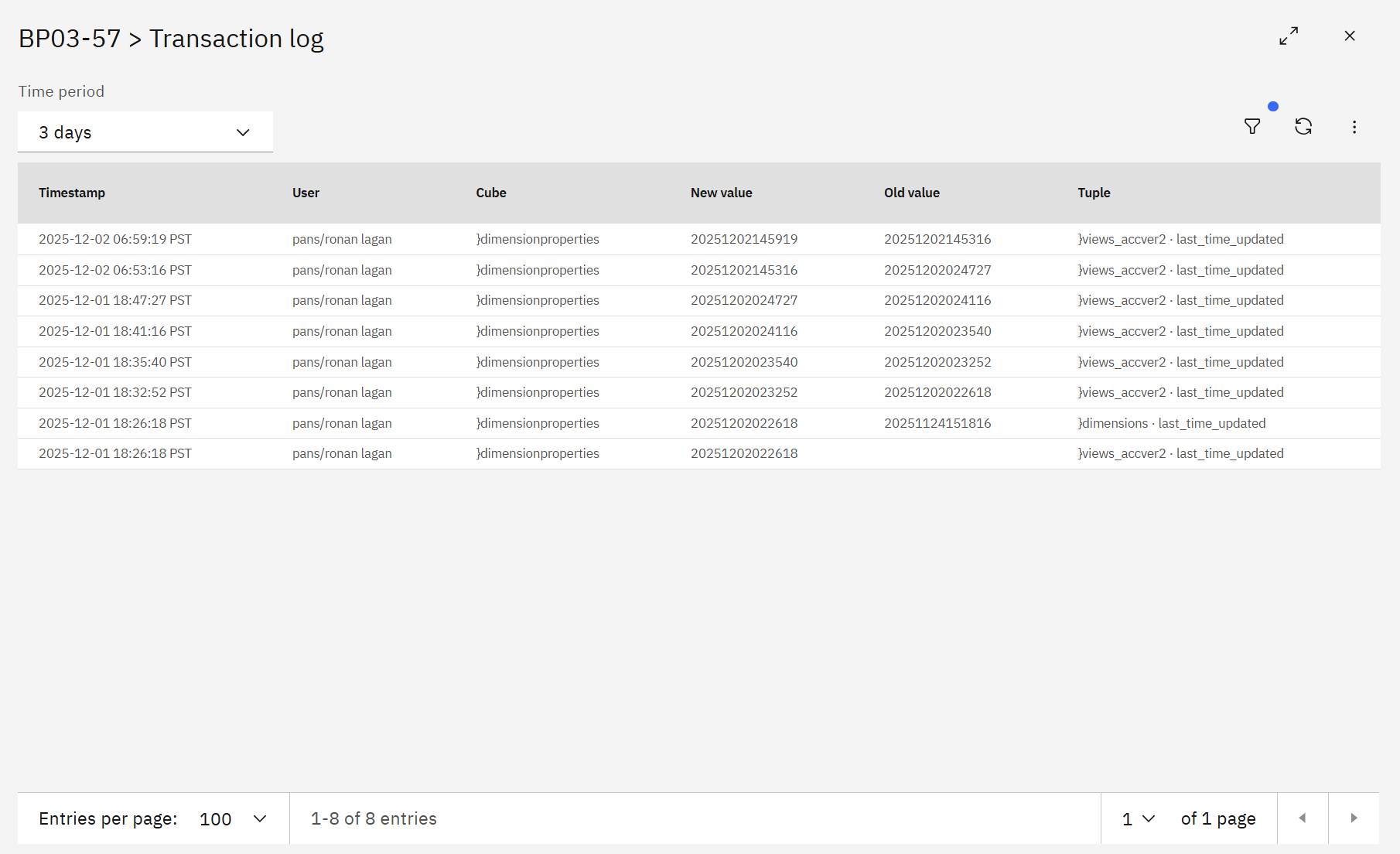
This is useful when you need to determine what data was changed, where the change occurred, and which user was associated with it.
Audit log
Use the Audit log to review Planning Analytics configuration, object, and security events.
Filter by description, user, object type, and date to focus on the activity you need to investigate.
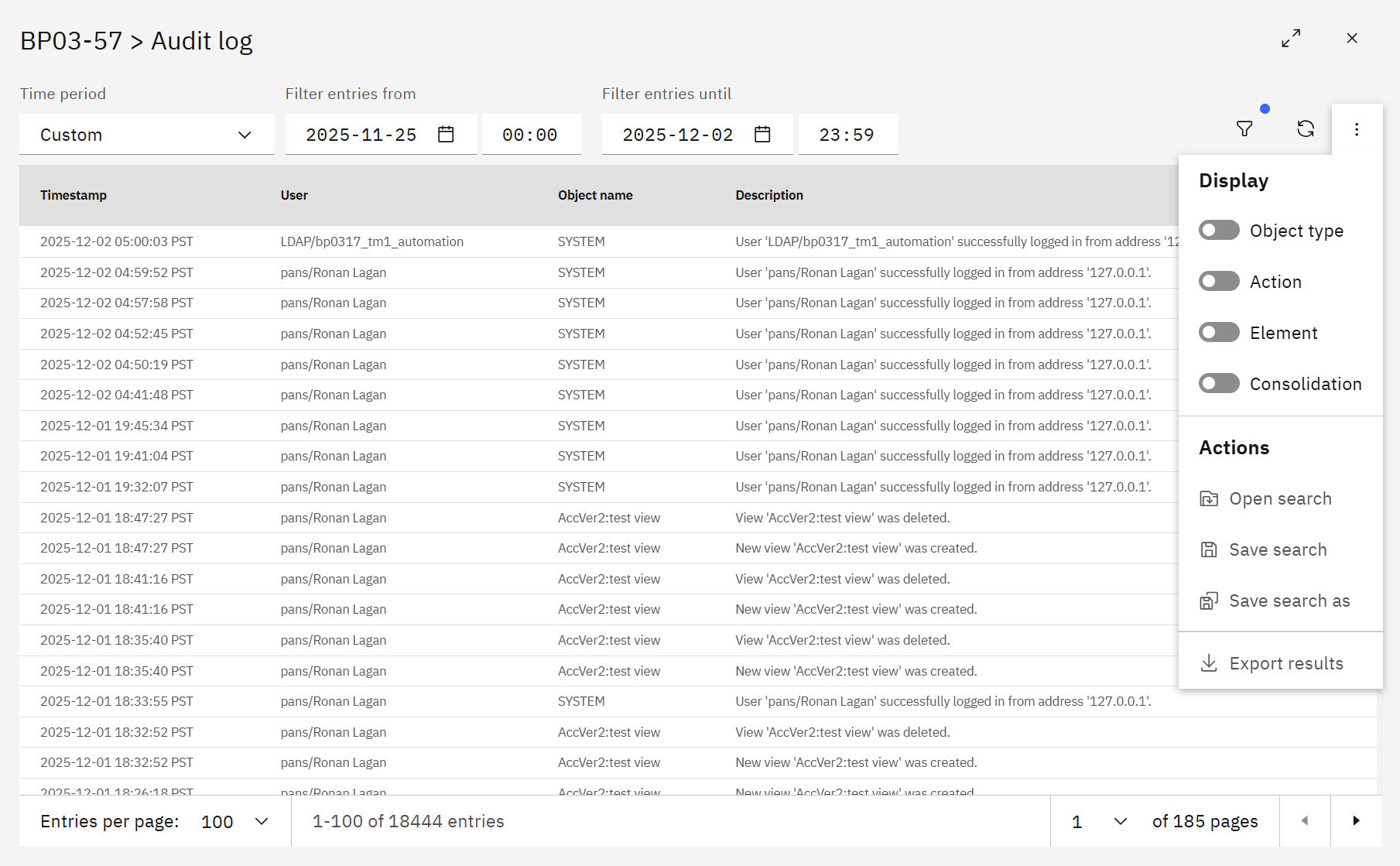
Display options such as Object type, Action, Element, and Consolidation can be used to simplify the view and focus on relevant details.
Filtering logs
The Logs module provides a flexible filter builder for narrowing large result sets.
Depending on the selected log, available fields can include Level, Message, Logger, User, Object name/key, and Details.
You can:
- combine conditions using Apply all conditions (AND) or Apply any condition (OR);
- add or remove individual filter conditions;
- adjust the Time period before applying more detailed filters.
Using a focused time range first can make investigations easier when working with large logs.
Saved searches and exports
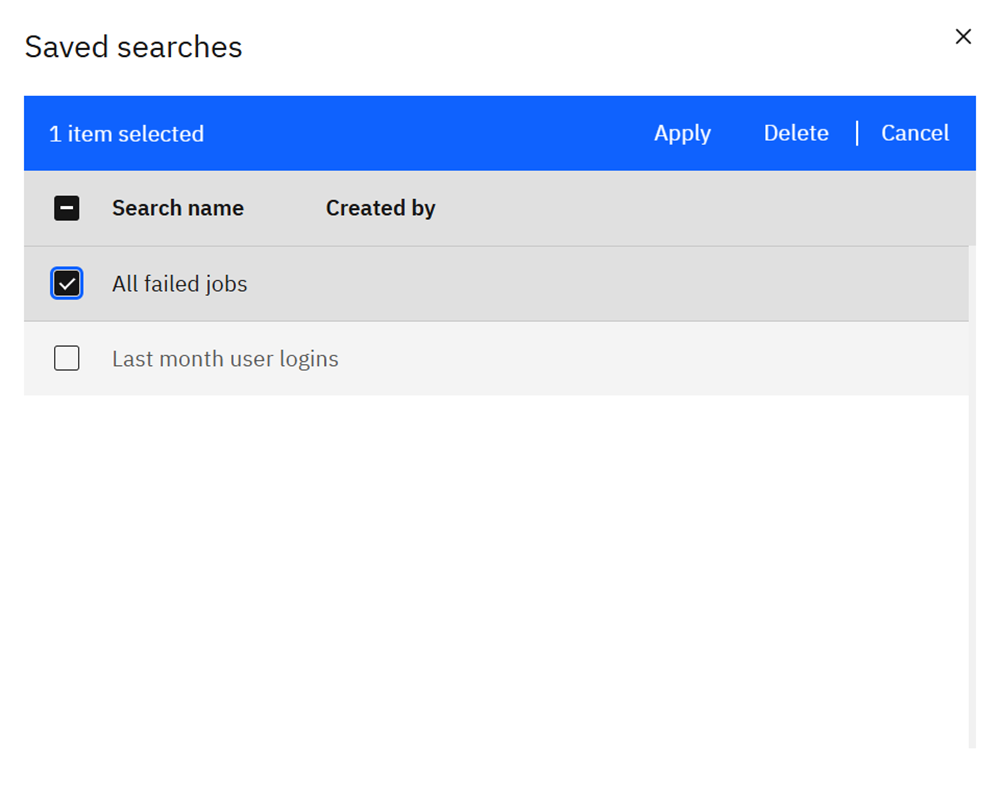
Save useful filter combinations when you expect to run the same investigation again.
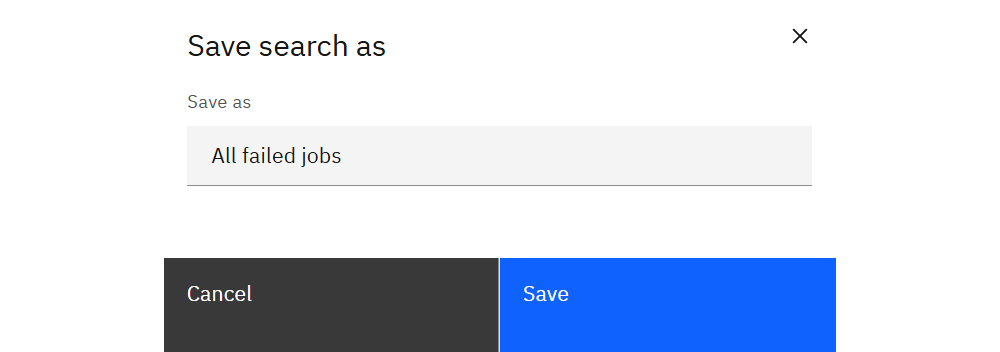
- Save search / Save search as — store the current filter configuration.
- Open search — load a previously saved search.
- Export — download the filtered results as CSV for offline analysis, sharing, or audit requests.
Updating log content
SPACE maintains log content that can be refreshed manually or through scheduled jobs.
Administrators can update a log under Settings → Content by selecting the relevant Server, Transaction, or Audit log entry and choosing Update.
Use Jobs to schedule regular updates when log content should be refreshed automatically.