
Journal
The Journal tab shows SPACE activity records, including administrative actions and job events.
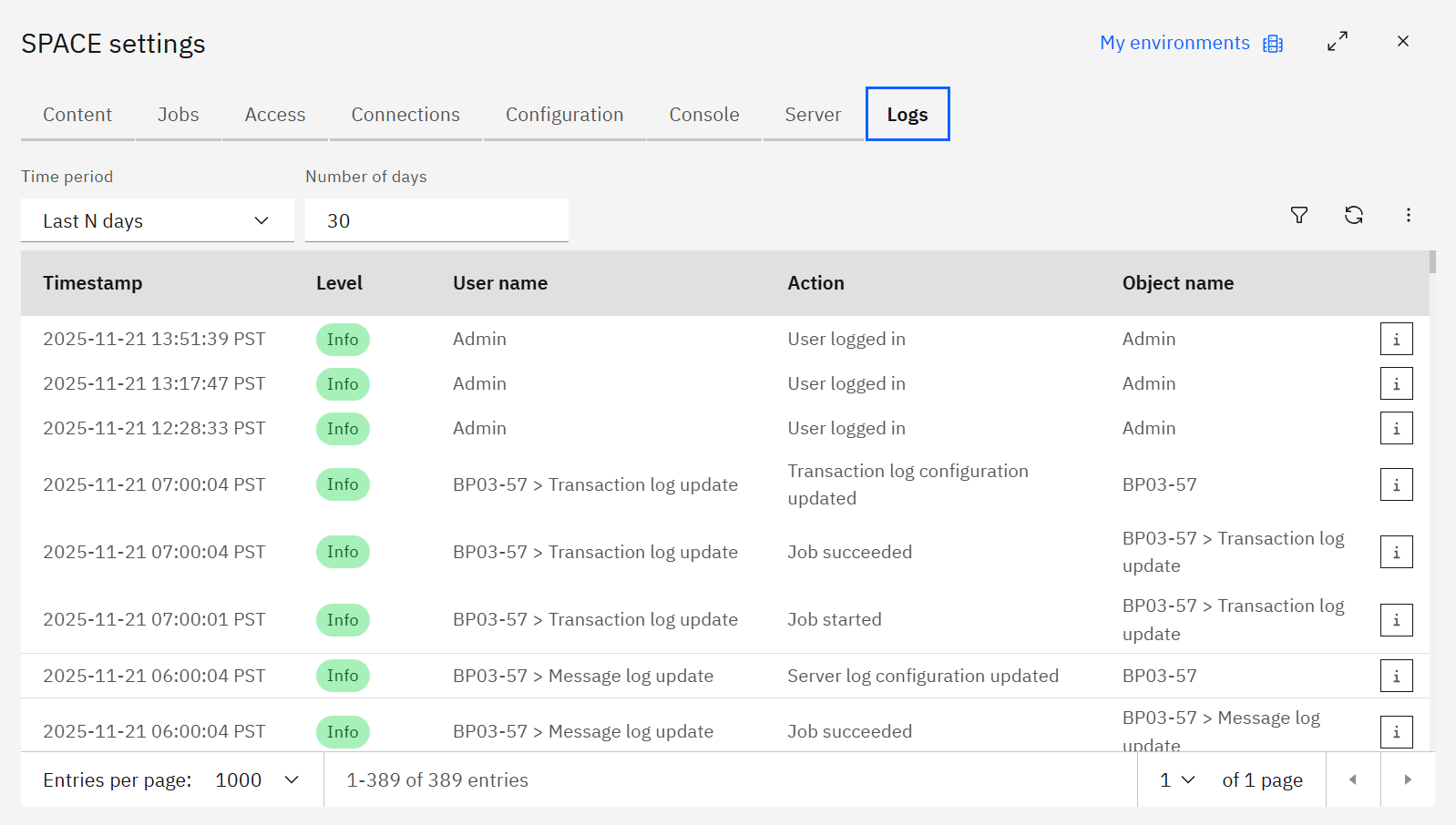
The screenshots on this page show the older Logs tab label. In the current interface, open Journal.
Columns include the Timestamp, log Level, User name, Action, and Object name. Click the Info icon to see the detailed message and copy it for audits.
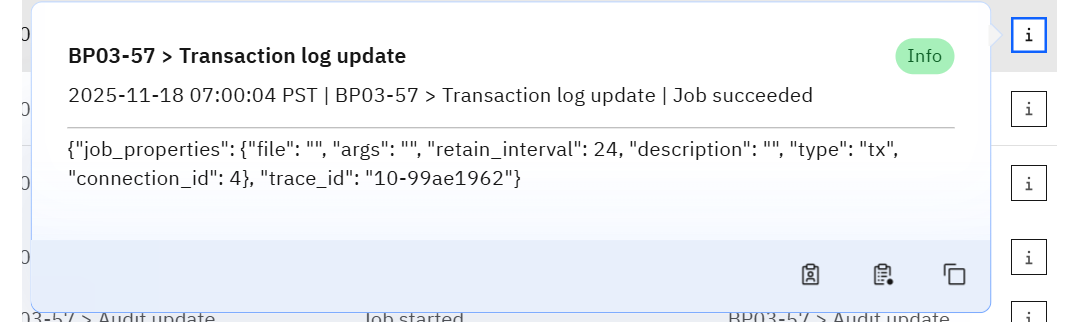
Within the popover you can:
- Filter by the same User or Object using the quick buttons.
- Copy the JSON payload (job properties, trace IDs, etc.) for deeper analysis or support tickets.
Filtering journal records
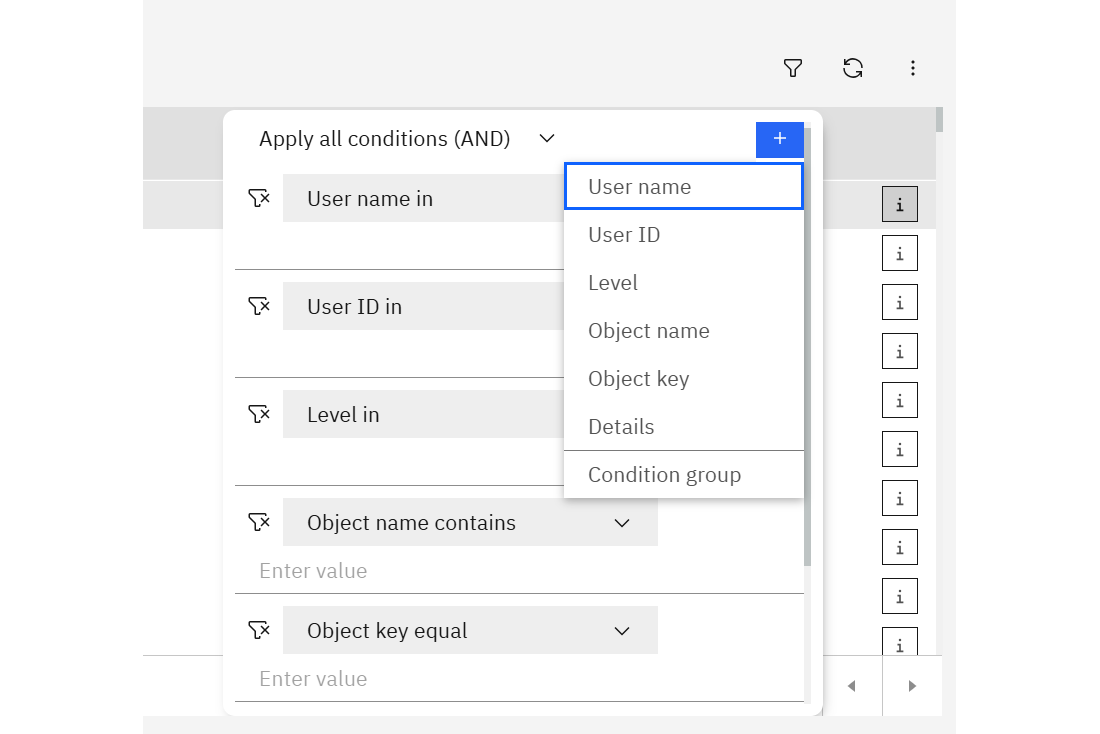
Choose whether to Apply all conditions (AND) or Apply any condition (OR), then add filters for:
- User name or User ID
- Level
- Object name or Object key
- Details (text search)
- Condition group (nest conditions)
Saved searches and exports
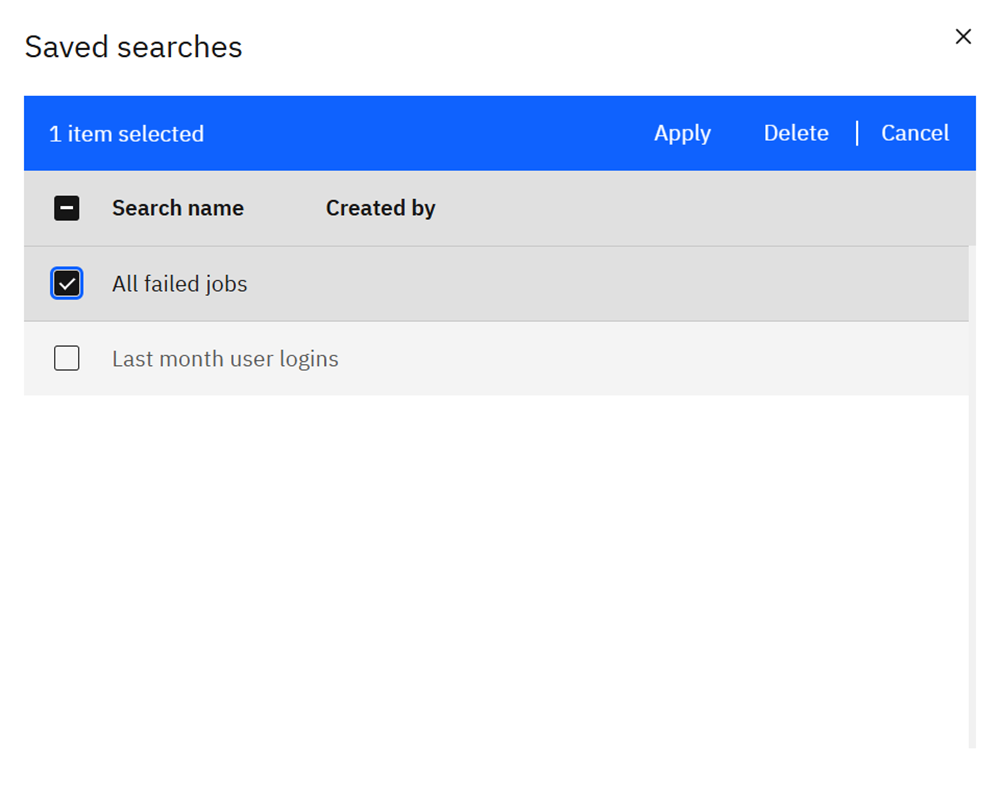
Reuse complex filters by saving them. Click Save search or Save search as to store the current filter set.
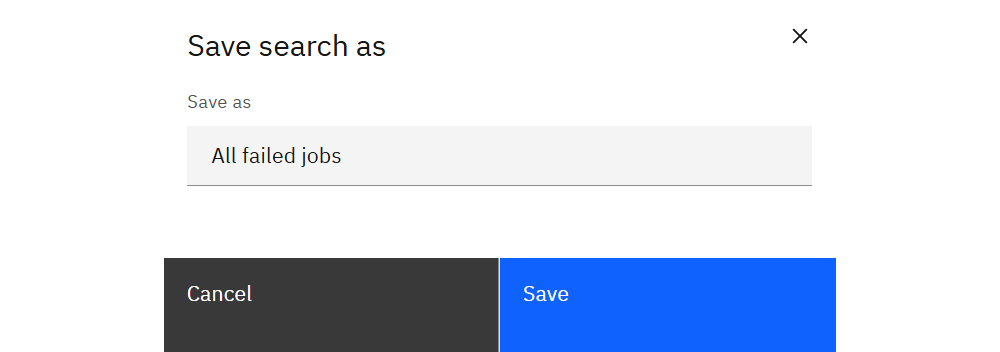
Use Open search to apply a saved filter, or Export to download the filtered logs for compliance or offline analysis.
TM1 logs
For TM1 server messages, data changes, and audit events, see Logs.