
Content
The Content tab tracks all cached datasets SPACE stores (documentation, audit logs, server logs, transaction logs).
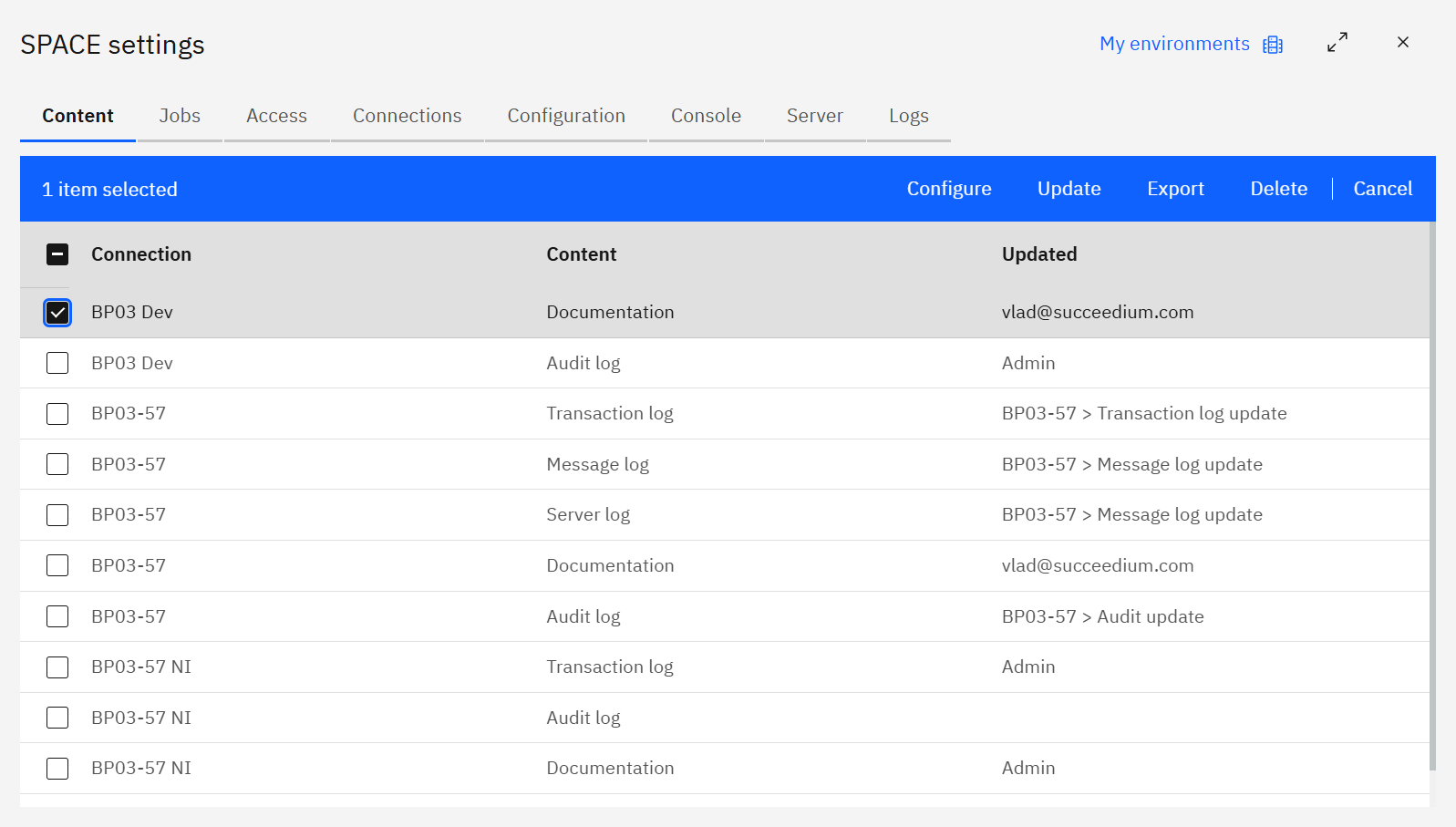
Each row shows the source Connection, Content type, and who last Updated it. Use the toolbar to configure settings, run an update, export data, delete stale content, or cancel selection mode.
Creating content
Click Create to register a new content item.
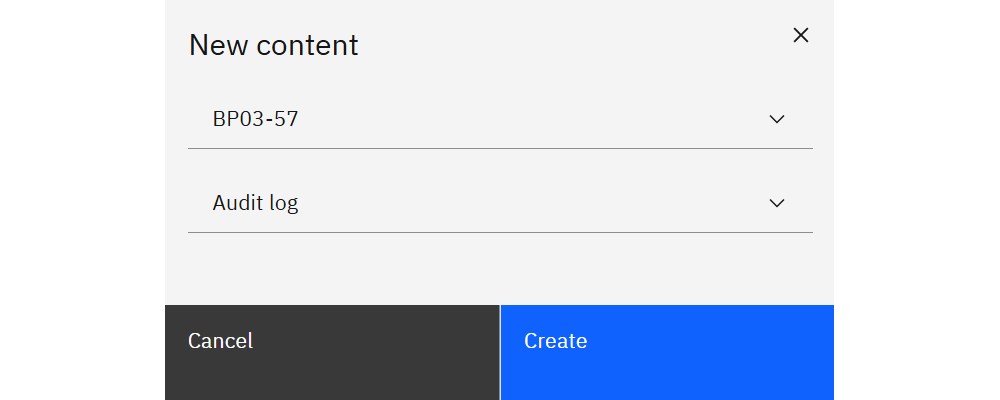
Choose the TM1 connection and content type (Documentation, Audit log, Server log, Transaction log). The new item appears in the table where you can configure retention and run updates.
Configuring content
Select a row and choose Configure to view metadata and adjust settings.
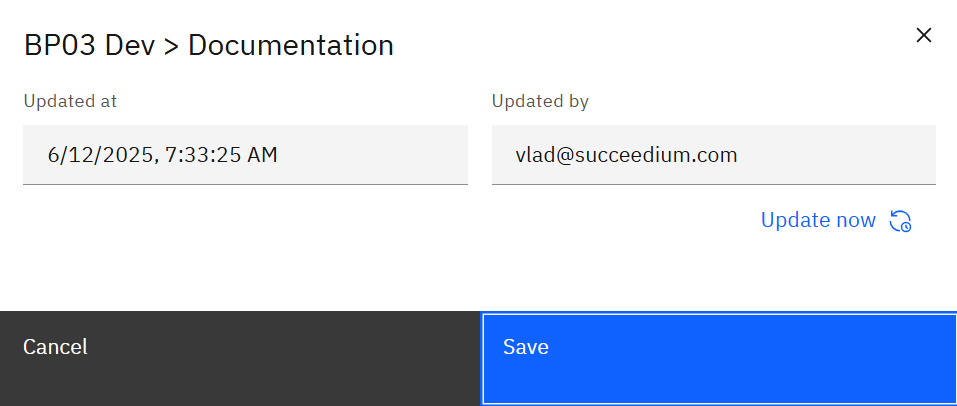
The modal displays:
- Updated at / Updated by – last sync details.
- Update now – trigger an immediate refresh without waiting for the scheduled job.
- Retain months (for log content) – how long data stays available in SPACE.
Updating content manually
If you need to refresh before the next scheduled job, select a row and click Update.
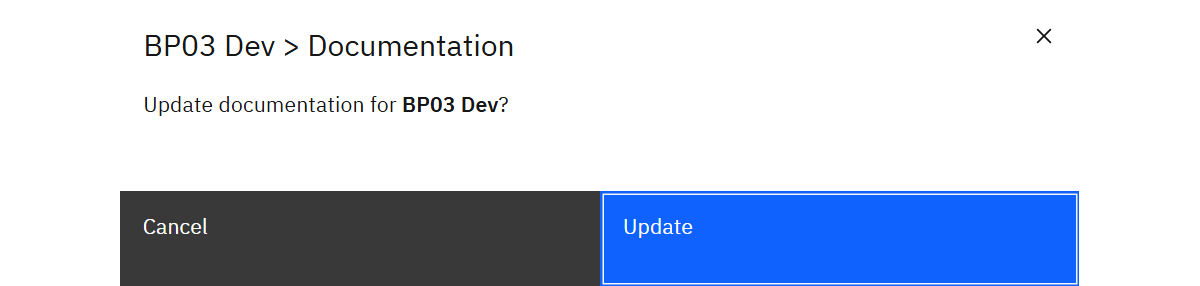
Confirm the prompt to run the update immediately. Use Export from the toolbar to download the current dataset for offline analysis.
Scheduled updates and viewing content
Use Jobs to schedule regular updates. Open Model documentation to explore the diagram or Logs to search the synchronized logs.