
TM1 Git
Connect TM1 model assets to Git for version control, review, and recovery. This page covers the main SPACE Git module; source control for client Python files and notebooks is documented separately under Git for Python.
Repositories
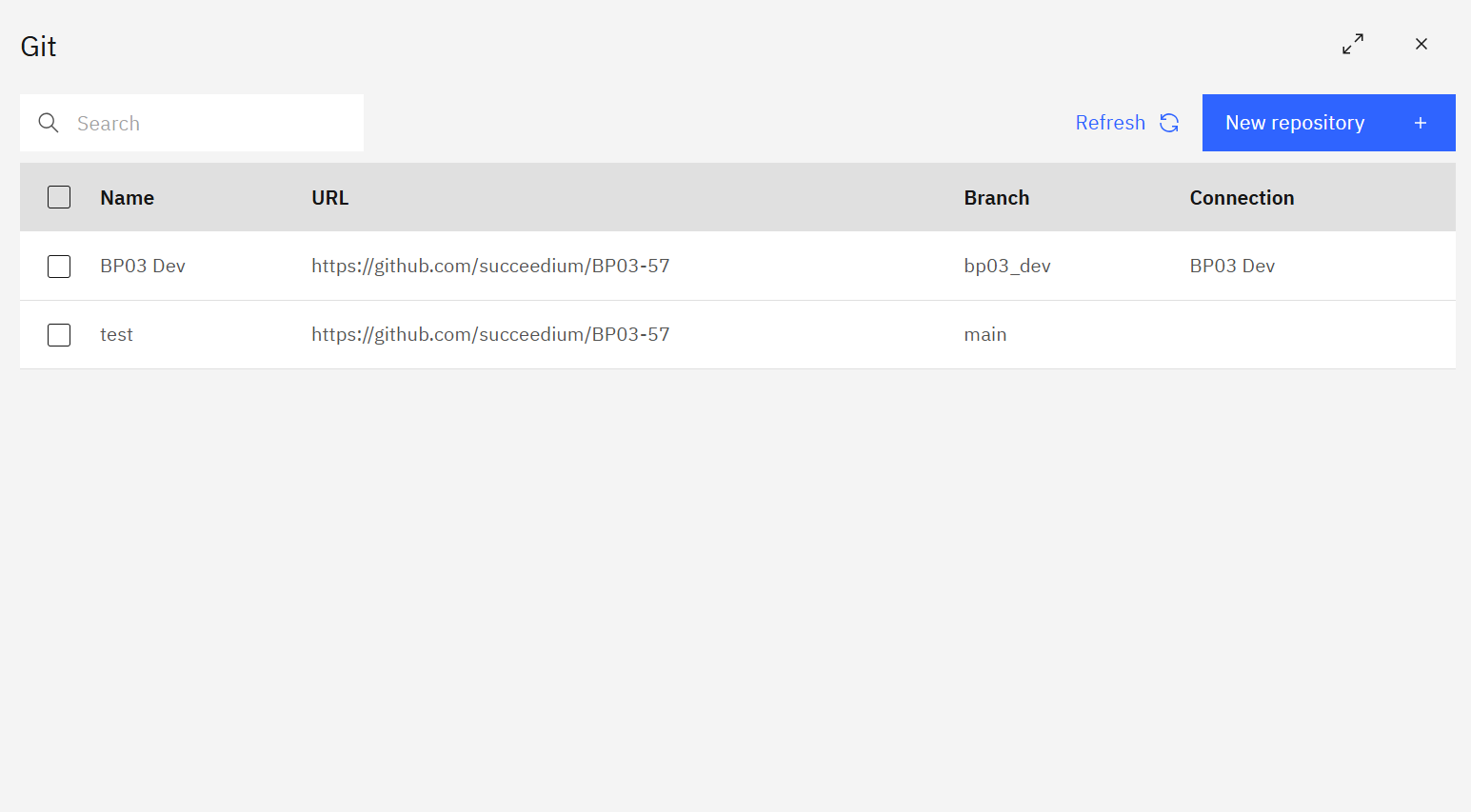
The Git home view lists every connected repository with its URL, default branch, and linked TM1 connection. Use New repository to add another repo, and Refresh to pull the latest metadata.
Repository view
Open a repository to browse assets, filter by type/status, and sync changes. Use Push to send local updates to the remote and Pull to bring in upstream commits.
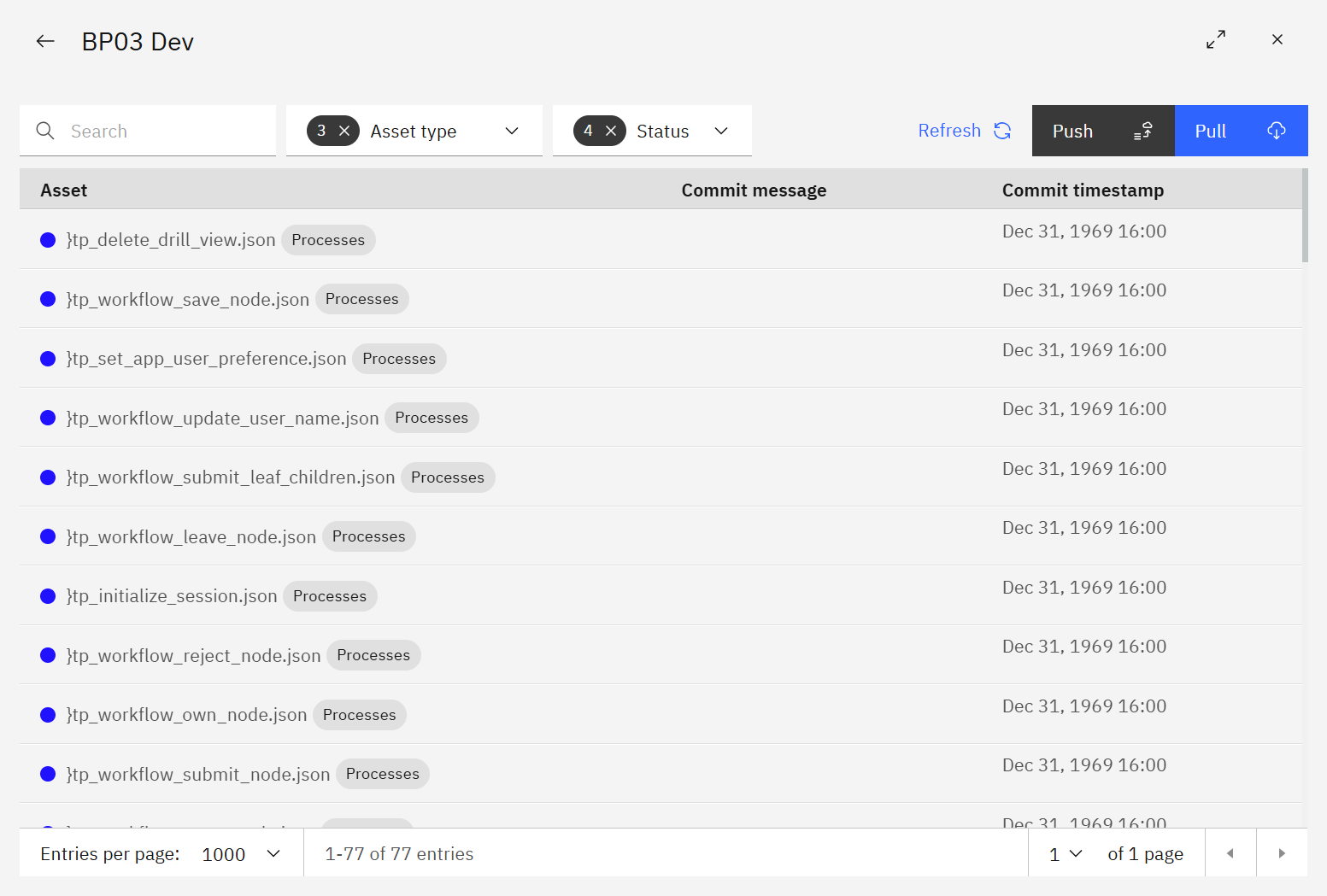
Filters help you focus on specific asset types (processes, chores, etc.) or statuses before syncing.
Notes
- Always ensure the branch is correct before pushing. Back up critical environments prior to syncing production changes.