
Connections
Connections define the external systems and data environments that SPACE can access.
A single SPACE instance can contain multiple connections, including IBM Planning Analytics environments and supported external data sources such as Google BigQuery. Connections can be reused across SPACE features, including SPACE AI, according to the access granted to the user or role.
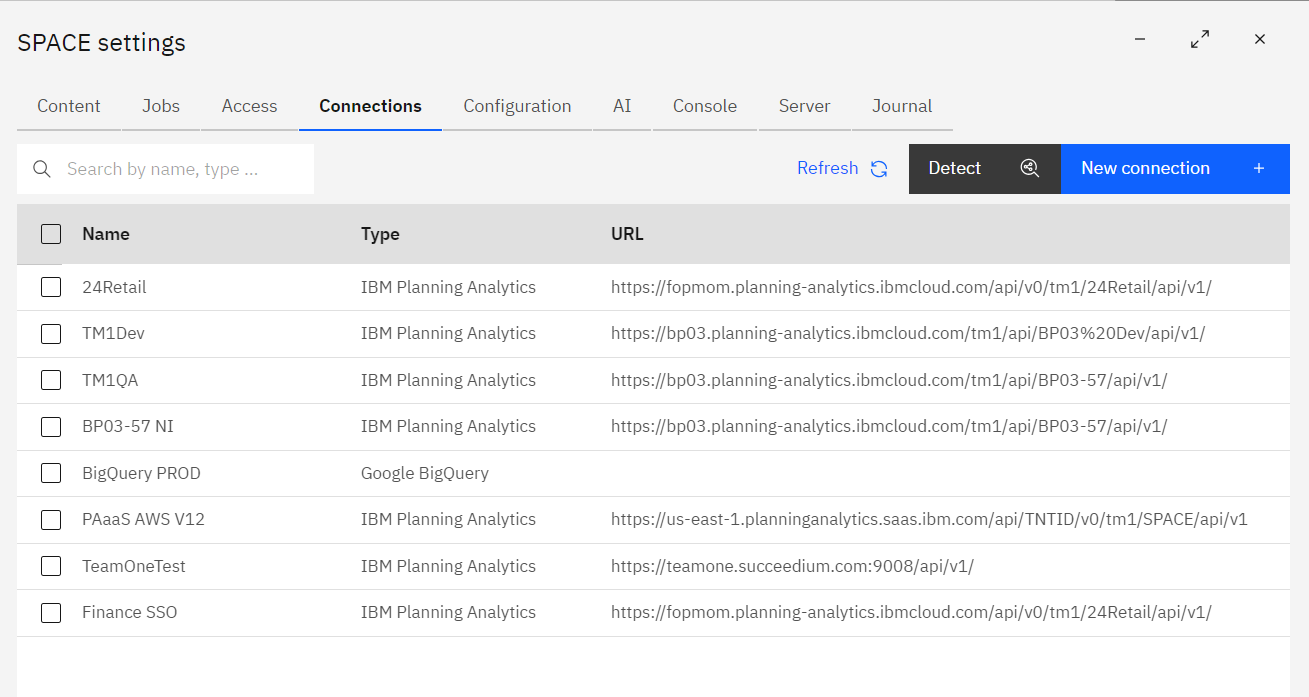
From the Connections page you can create, edit, duplicate, control access to, or remove connections.
Connection types
When creating a connection, select the Connection Type that matches the source system.
SPACE supports connection-specific configuration for:
Each connection type has its own connection and authentication settings.
Environment type
Environment Type is a descriptive label used to classify a connection as:
- Production
- UAT
- QA
- Development
- Sandbox
The environment type does not change how SPACE authenticates to or communicates with the source system.
It helps users distinguish environments and provides useful context when connections are referenced throughout SPACE, including in SPACE AI.
Creating or editing a connection
Choose New connection, or open an existing connection, to configure it.
Common settings include:
- Connection Type – the source system, such as IBM Planning Analytics or Google BigQuery.
- Environment Type – descriptive classification of the environment.
- Name – friendly name shown throughout SPACE.
Additional settings depend on the selected connection type.
See the connection-specific guides for setup and authentication:
Connection actions
Select a connection to access actions for managing or reusing its configuration.
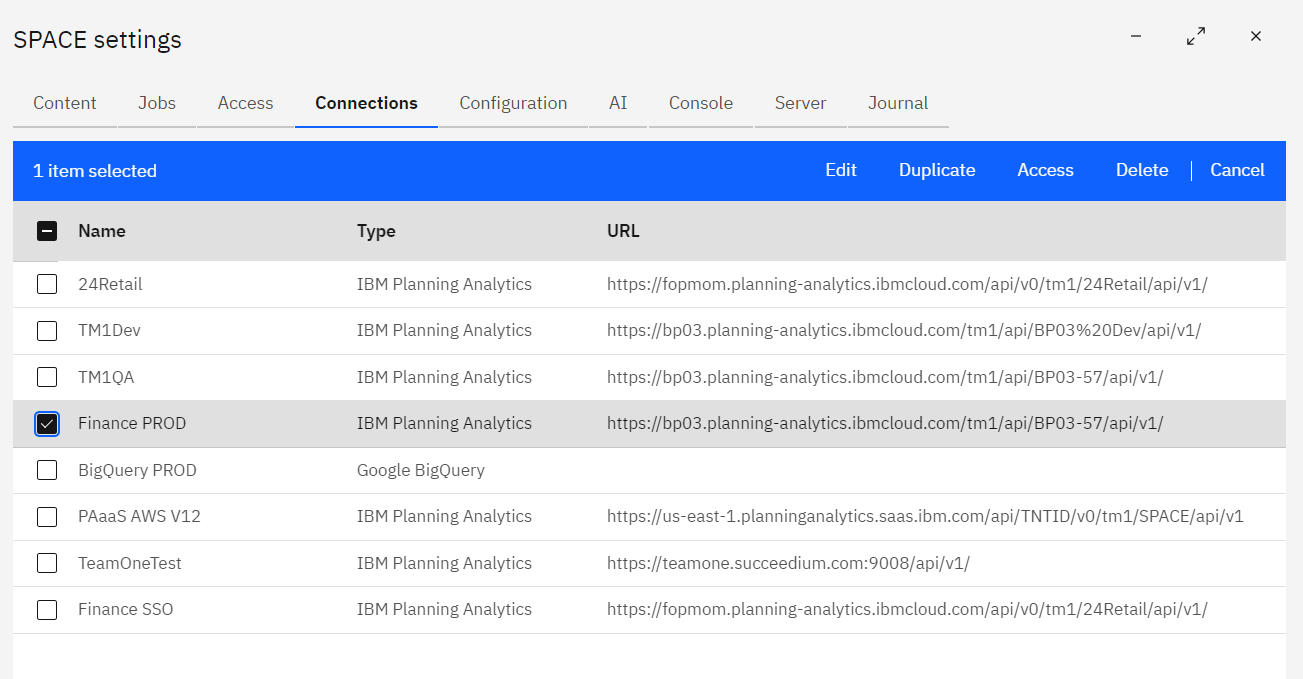
Duplicate
Use Duplicate to create a new connection by reusing the settings of an existing connection.
The copied settings open in a new connection form so you can change only the values that are different. This is useful when development, test, and production environments use similar configuration.
Access
Use Access to control what SPACE security roles can do with the selected connection.
Connection access is capability-based, and the available capabilities depend on the connection type.
For IBM Planning Analytics, see IBM Planning Analytics → Connection access.
Delete
Use Delete to remove one or more selected connections.
Confirm that a connection is no longer required by users or automated workflows before removing it.
Related guides
- Access explains SPACE users, security roles, access tokens, and secrets.
- Jobs explains scheduled tasks that can use connection-specific job credentials.
- PAW environments explains the personal PAW-to-SPACE mappings used by the SPACE extension. These are separate from the shared connections configured here.