
Model documentation
SPACE automatically visualizes every cube, process, and dependency in your TM1 model so you can see how data flows without digging through code.
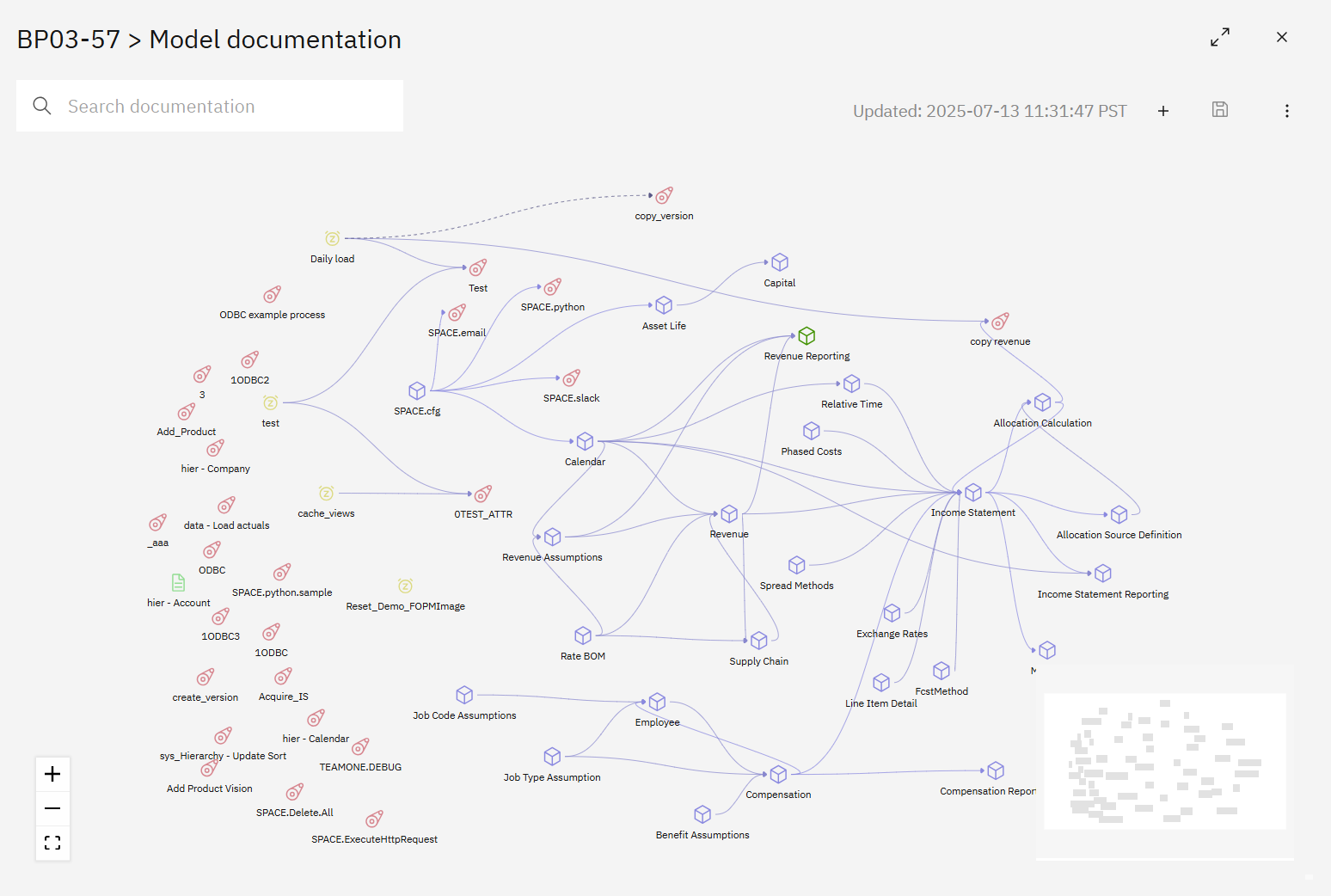
Creating or updating documentation
- Open the Model documentation module from the SPACE sidebar.
- Click Refresh documentation (three-dot menu → Refresh) to regenerate the diagram from the latest TM1 metadata. Only admins or users with the Documentation update job permission can run a refresh.
- To schedule ongoing refreshes, create a Documentation update job in Settings → Jobs. This keeps diagrams in sync with every deployment.
Use the Add new button when you need to manually document relationships that do not exist in TM1 (for example, a business rule or data feed outside of PA).
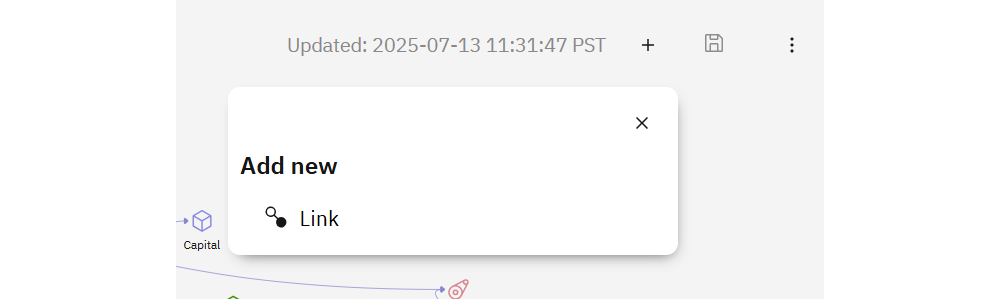
Select Link, choose the source and target nodes, assign a description, and pick a color so custom dependencies stand out.
Working with the diagram
- Pan/zoom with your mouse or the mini-map.
- Select nodes or connectors to edit descriptions, ownership, data tags, or highlight flows during reviews.
- Search by cube/process/subset name to jump to an object instantly.
- Download documentation from the menu if you need an offline copy for auditors or workshops.
Display options
Customize the visualization by opening the menu on the top-right.
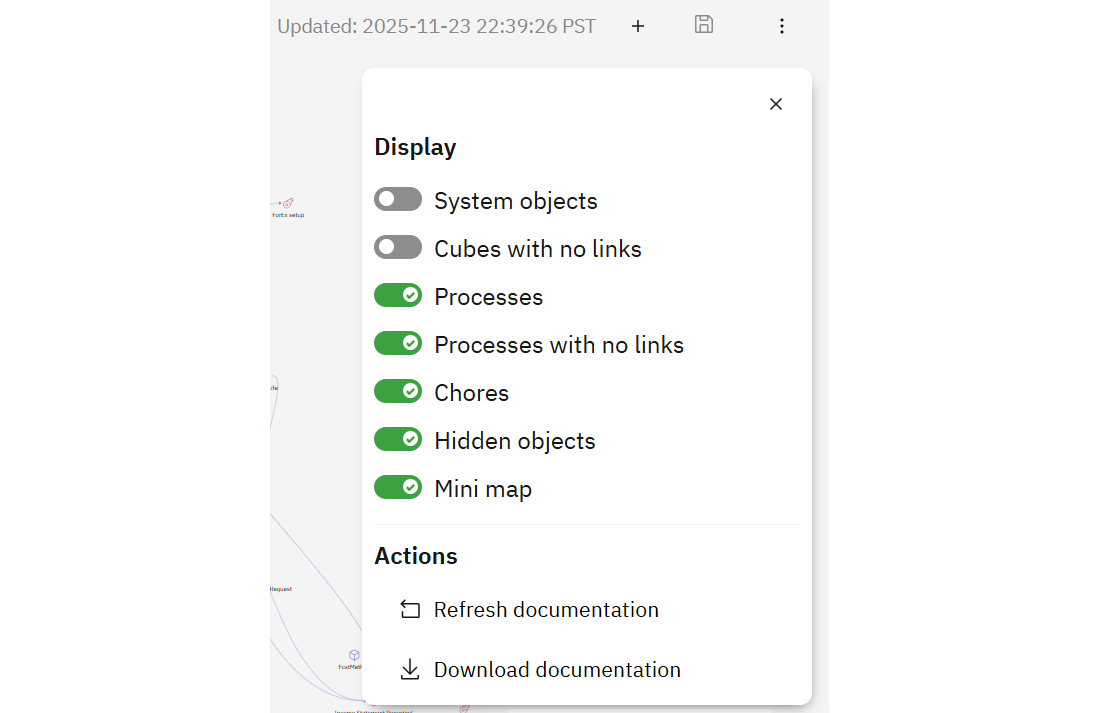
Toggle:
- System objects – include TM1 system cubes and processes.
- Cubes with no links – surface orphaned cubes.
- Processes / Processes with no links – show all TI processes or only those with dependencies.
- Chores – display chore nodes and their schedules.
- Hidden objects – reveal anything previously hidden.
- Mini map – show or hide the overview map.
Actions:
- Refresh documentation – pull the latest topology immediately.
- Download documentation – export the current graph as an image (PNG) for reviews or workshops.
Automating updates
The Documentation update job in Settings lets you refresh diagrams on a schedule (daily, hourly, etc.). Configure the connection, cron schedule, and notifications so stakeholders know when documentation is refreshed. See the Jobs section for details.